1
Step 1
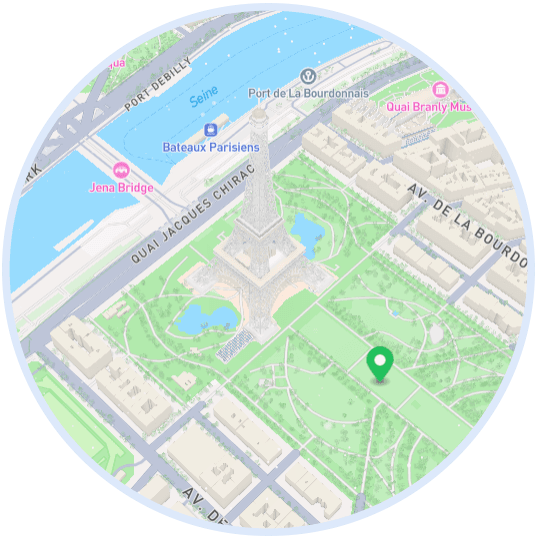
Choose a location on the map
Pan and zoom to the exact spot where you'd like to place your seed. You can drop it anywhere on Earth.
Follow these steps to drop a seed, set when it unlocks, and share it with exactly the people you choose. Remember to check out Bundles first if you plan on planting multiple seeds!
Step by step
Step 1
Pan and zoom to the exact spot where you'd like to place your seed. You can drop it anywhere on Earth.
Step 2
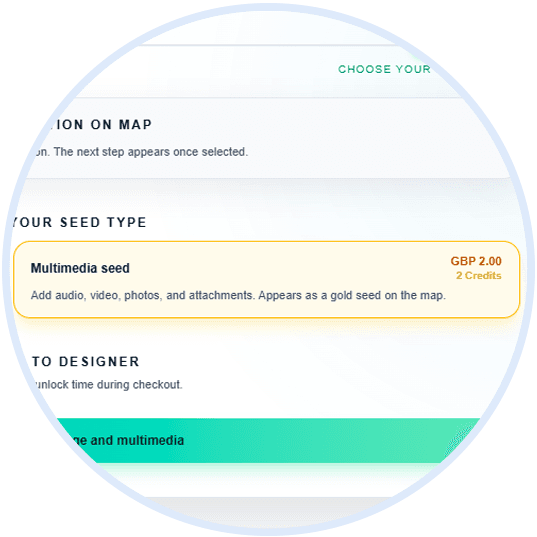
Pick the seed style that fits the moment best - a text-based note or multimedia keepsake.
Step 3
Give your seed a message and style; if you've chosen a multimedia seed, decorate with photos, videos, and audio.

Step 4
Choose who can view the seed. Add recipients, make it public or private, and lock it until a certain date if desired.

Step 5
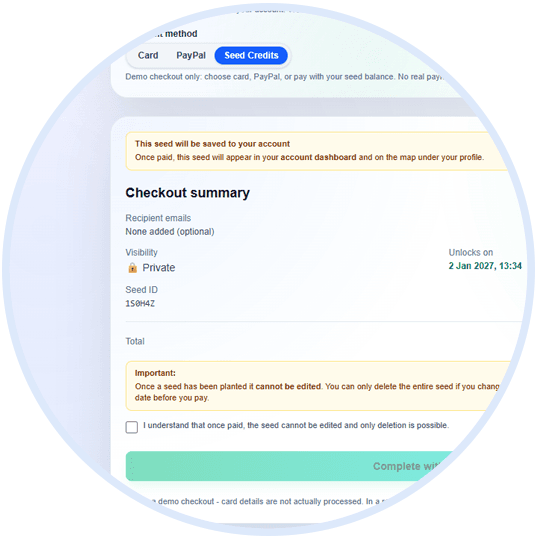
Pay for your seed using your card of choice or seed credits. Bundles are available if you want to plant multiple seeds for less of a cost.
Step 6
Share your seed! We'll handle the rest, sending out links to any recipients and unlocking it at the exact moment you've chosen.